
SOPs
How to Write an SOP for a Small Business (Without Hating It)
By Aetisam · · 3 min read
The short answerTo write an SOP, pick one task you repeat, write the steps in the order you do them, one action per step, then hand it to someone else and fix every spot where they get stuck.
An SOP (standard operating procedure) is just the written answer to "how do we do this here?" That’s it. It doesn’t need a binder, a consultant, or a free afternoon you don’t have. It needs one task, honest steps, and one person willing to test it.
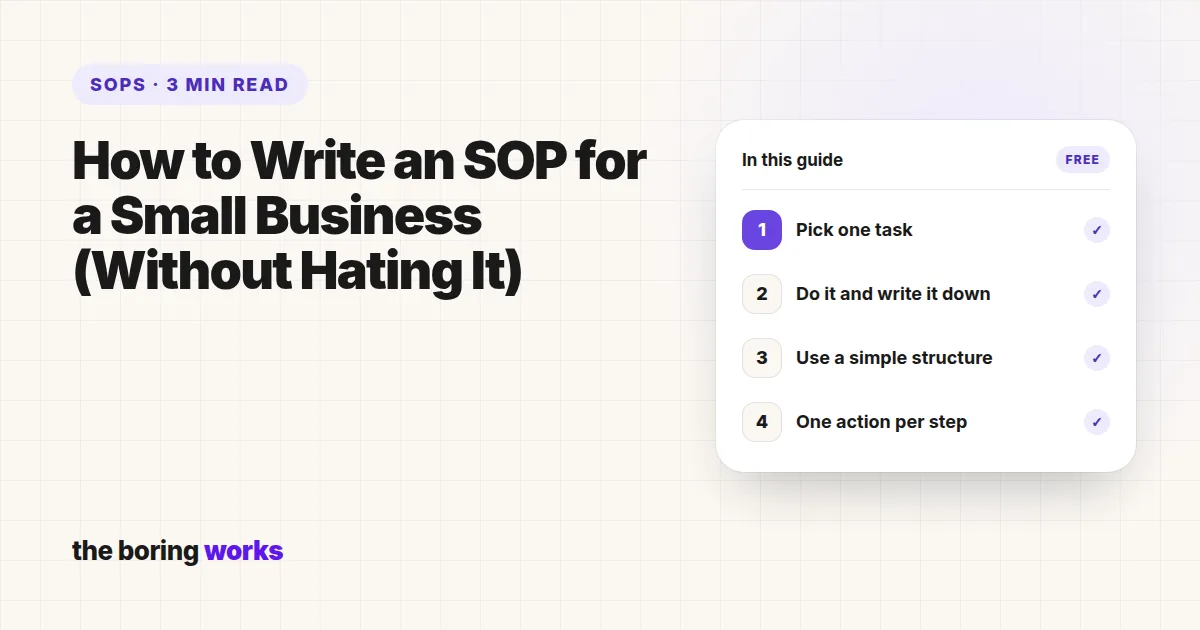
- 1Pick one taskNot a department. One task you repeat.
- 2Do it and write it downType each step while you actually do the task.
- 3Use a simple structureTitle, purpose, owner, trigger, steps.
- 4One action per stepPlain verbs: open, click, copy, send.
- 5Test it on someone elseEvery question they ask is a missing step.
- 6Store it where the work happensOne shared place, linked from your tools.
Step 1: Pick one task, not a department
"Customer service" is not a task. "Reply to a refund request by email" is. Start with something you do often, that touches customers or money, or that goes wrong when you are not around. Small and specific beats big and vague every time.
Step 2: Do the task and write down what you actually do
Not what you think you do. Open the doc, do the task for real, and type each step as you go. You will be surprised how many steps you do on autopilot and would never think to mention.
Step 3: Use a simple SOP format
Every SOP needs the same five parts. Anything more is optional. Here is the skeleton, filled in:
Title
Reply to a refund request by email
Purpose
Every customer who asks for a refund gets a clear answer within one working day.
Owner
Support lead (also updates this SOP)
When it is used
A refund request arrives in the support inbox.
Steps
1. Find the order in the store dashboard using the customer’s email.
2. Check the purchase date against the refund window.
3. If it is inside the window, issue the refund and send the "Refund done" reply.
4. If it is outside, send the "Outside the window" reply and offer store credit.
5. Tag the email "Refund" and archive it.
Step 4: One action per step, in plain words
Use verbs people can follow: open, click, copy, send. If a step needs three sentences to explain, it is probably two steps. Add a screenshot or a link where someone could get lost, and skip the jargon.
Step 5: Test it on someone else
Hand the SOP to a teammate, a VA, or a friend, and ask them to follow it without your help. Every question they ask is a missing step. Add it, and test again if the changes were big.
Step 6: Store it where the work happens
An SOP nobody can find is just a diary entry. Keep SOPs in one shared place (Google Drive, Notion, whatever your team already opens every day) and link to them from the tools where the task happens.
Common SOP mistakes
Mistake
- Too long: nobody reads past page two
- Too vague: "handle the client"
- Written alone by the boss
- Written once, never updated
Fix
- Split it into smaller SOPs
- One clear action per step
- Written with the person who does the task
- An owner and a "last checked" date
Or skip the blank page entirely. If the task is one of the common ones, like hiring, ads, or support, there’s a good chance it’s already written. Browse our SOPs and adapt one instead.
Questions people ask
A title, the purpose, who owns it, when it is used, and numbered steps with one action each. Screenshots or links help where someone could get lost.
As short as possible while still being followable. Many good SOPs fit on one page. If it runs past a few pages, split it into smaller tasks.
The person who actually does the task, with help from whoever owns the process. Then someone else should test it before it is final.
Whenever the task changes, and at least a quick check once or twice a year. Give each SOP an owner and a "last checked" date so it does not go stale.