
Client work
Client Offboarding Checklist: How to End a Project Well
By Aetisam · · 5 min read
The short answerClient offboarding is how you close a project cleanly. Deliver and confirm the final files, hand over accounts and ownership, remove your own access, send the final invoice, say thank you, and ask for feedback or a referral. Doing it the same way each time protects you and leaves the client with a good last impression.
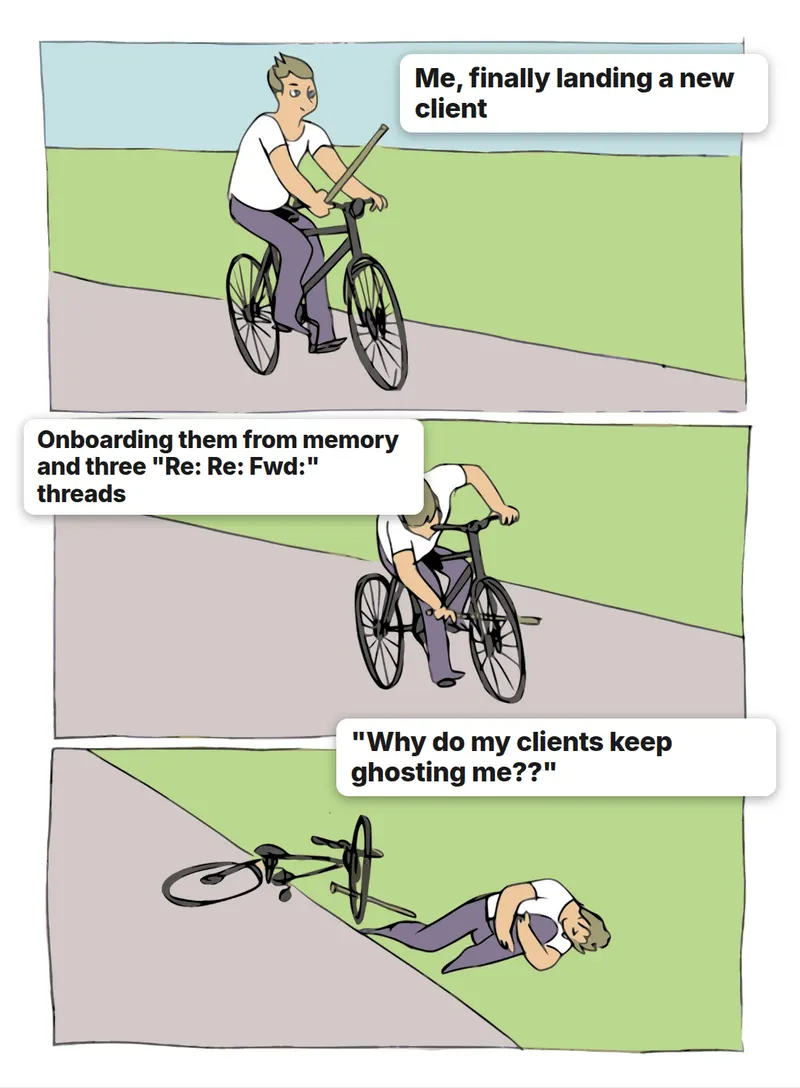
Everyone has a process for starting with a client. Almost nobody has one for ending. The project finishes, the last email goes out, and then... nothing. Three months later the client emails to ask where a file is, someone still has your login to their account, and you cannot remember whether you sent the final invoice.
Offboarding is the boring, tidy ending that fixes all of that. It takes less than an hour, and it is the part clients remember most when you finish.
What is client offboarding?
Client offboarding is the process of closing out a project or a working relationship in an organised way. It covers the final deliverables, the handover of anything the client owns, removing access, the final invoice, and a proper goodbye. Think of it as the mirror image of client onboarding.
Why does offboarding matter for freelancers?
- It protects you. A clean handover is proof you delivered what was agreed.
- It protects the client. They know where everything lives and who can access it.
- It cuts follow-up questions. "Where is that file?" gets answered before it is asked.
- It leads to more work. A good ending is when happy clients refer you or hire you again.
What should be on a client offboarding checklist?
- Deliver every final file in the formats you agreed
- Confirm in writing that the client has everything and is happy with it
- Hand over accounts, logins, and ownership that belong to the client
- Remove your own access, including shared links and invites
- Send the final invoice, and confirm it is paid or on its way
- Save a copy of the project files, contract, and key emails
- Write a short thank-you note
- Ask for feedback, and for a testimonial or referral only if it feels right
How do you hand over files and accounts?
Put everything in one place and tell the client where it is. A single shared folder with a short "what is where" note beats ten separate attachments. For anything that lives on an account, the safest habit is to set it up under the client’s own name from the start, so ownership never has to be moved at the end. Rocket.net’s agency guide recommends this for client websites, and the idea works for any project.
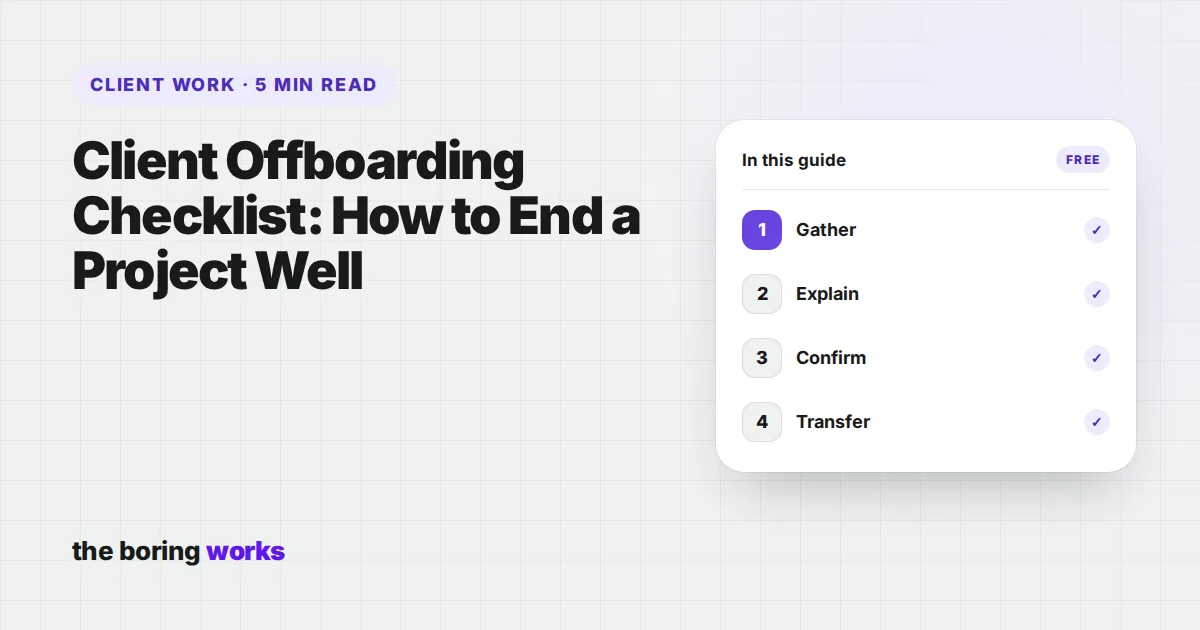
- 1GatherCollect final files, source files if they are part of the deal, and any credentials the client needs.
- 2ExplainWrite a one-page note: what is included, where it lives, and how to use or update it.
- 3ConfirmAsk the client to reply that they have received everything and can open it.
- 4TransferMove any ownership to the client, and only then remove your own access.
How do you remove your access safely?
Do it last, and do it fully. Dropbox’s offboarding checklist points out that if a shared link stays active, the content can remain reachable even after someone is removed from a folder. So check shared links, invites, and any tools you were added to, not just the main login. It protects the client, and it protects you from being blamed for something later.

What should you say in the final message?
Final handover email
Subject: [Project] is complete: everything you need
Hi [Name], the project is complete. Everything is in this folder: [link]. The note inside explains what is where. Please reply to confirm you can open everything. Once you do, I’ll remove my access, as agreed.
Thank-you and feedback
Thank you for the chance to work on this. I enjoyed [specific thing]. If you have two minutes, I’d love to hear what worked and what could be better.
A gentle referral ask (only if it fits)
If you know anyone else who needs [what you do], I’d be glad to be introduced. No pressure at all.
Leaving the door open
If anything comes up with this project, or you need help with the next one, you know where to find me.
What if the project ended badly?
The checklist matters even more then. Stay calm, deliver what was agreed, collect what you are owed, and keep everything in writing. An ending that is professional and short protects your reputation better than an argument. If an unpaid invoice is part of it, see our guide to unpaid invoice emails.
What should you do after the project is over?
Offboarding does not stop at the handover. A few small touches afterwards keep the relationship warm at almost no cost, and they are how one project turns into the next. Put them in your calendar when you close the project so they actually happen.
- Step 1Day of deliveryHandover note, confirmation, final invoice
- Step 2One week laterA short thank-you and a request for feedback
- Step 3One month laterA light check-in: is everything still working?
- Step 4Three months laterA useful note or idea, with no ask attached
The check-ins are for the client, not for you. Share something useful, such as an update, a link, or a small improvement idea. If they have more work, they will tell you. If they do not, you have still left a good impression, which is how referrals happen.
Questions people ask
It is the organised process of finishing a project or ending a client relationship: delivering final files, handing over accounts, removing access, sending the last invoice, and saying a proper goodbye.
Every final deliverable in the agreed formats, source files if they are part of the agreement, any account ownership that belongs to them, and a short note explaining what is where.
After the client has confirmed in writing that they have everything and ownership has been transferred. Remove shared links and invites too, not just the main login.
Yes, if the project went well and you ask kindly with no pressure. A short, specific request right after delivery is the easiest time for a happy client to say yes.
It depends on your contract and the rules where you work. Check the agreement for retention and ownership terms, and keep a copy of the contract and key emails at least as long as it requires.